Five-Minute Office Automations That Change Your Day

Today we’re diving into Five-Minute Office Automations that slash tiny frustrations and hand back real focus. In just a coffee break, you can set up filters, templates, and quick workflows that quietly remove drudgery, boost consistency, and brighten teamwork. Try one now, share your favorite, and tell us what to tackle next.

Inboxes That Sort Themselves

A few smart rules can make your inbox breathe again. Create filters that label newsletters, file receipts, and flag real people automatically, so you see what matters without hunting. When Maya built one newsletter rule, her unread halved by Friday. Five minutes today saves dozens every week.

One-Click Rules in Outlook

Right‑click a sender or message, open Rules, and choose a simple action like Move to Folder, Categorize, or Flag. Outlook even suggests rules based on patterns you repeat. Name it clearly, test with two messages, and enjoy instant triage without extra thinking.

Gmail Filters with Confidence

Use the search bar’s tiny arrow to capture from:, to:, subject, has:attachment, or words like unsubscribe. Click Create filter, then apply labels, skip the inbox, or star. Apply to matching conversations to clean legacy clutter, and pin the label for quick scanning.

Text You Never Type Twice

Reusable wording can still sound warm. Save frequent replies, updates, and answers so you never recompose them under pressure. Our support lead wrote a gracious shipping‑delay reply once, and now it goes perfectly every time. Five minutes crafting a thoughtful template reduces errors and stress.

Calendars That Schedule For You

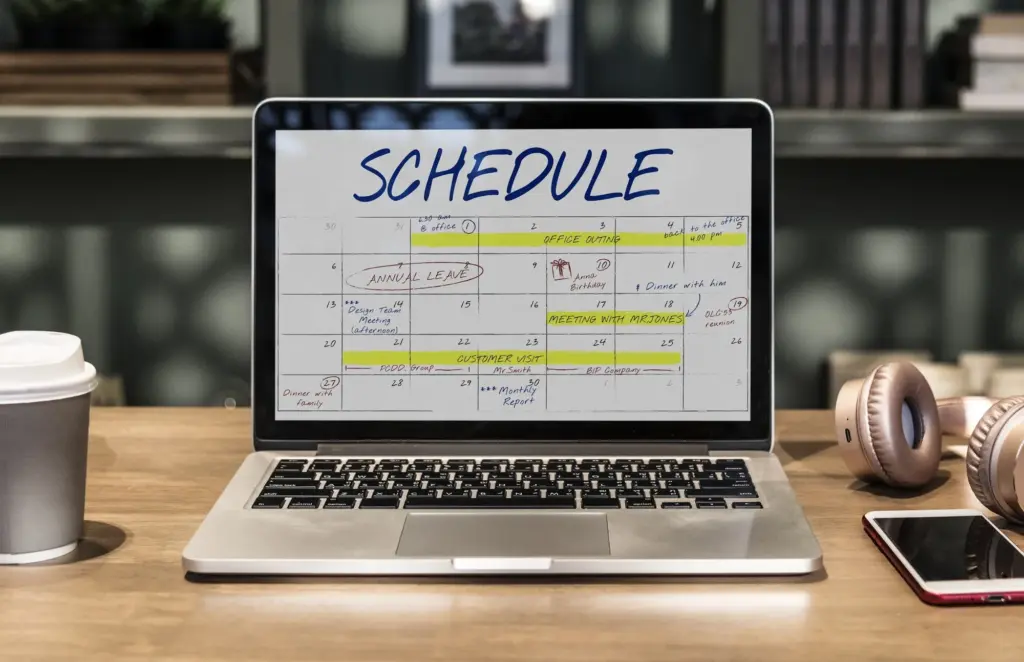
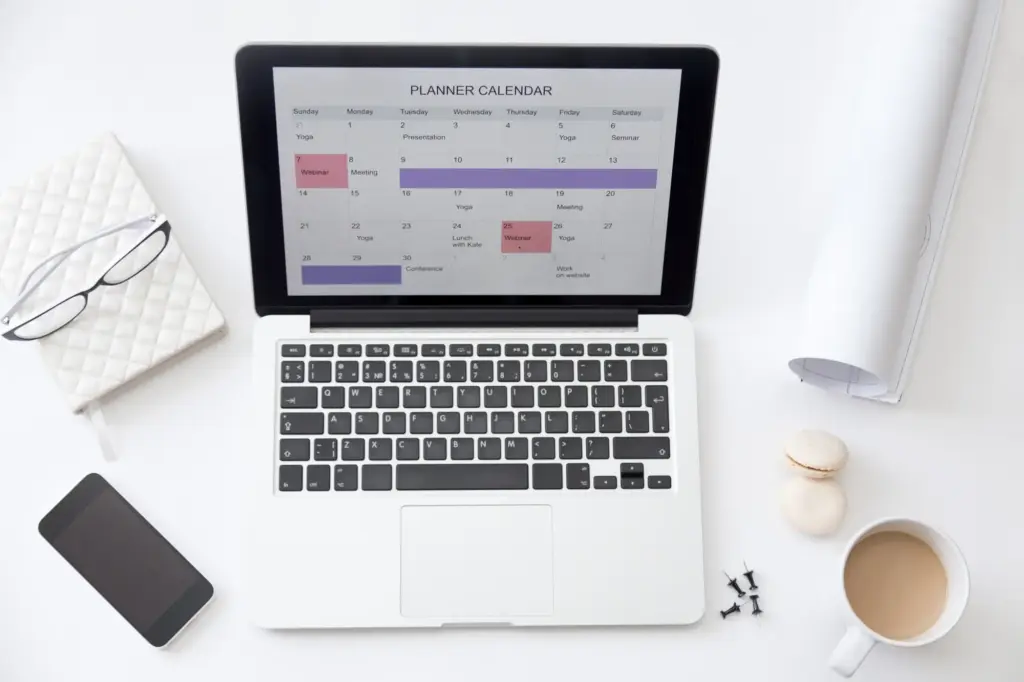
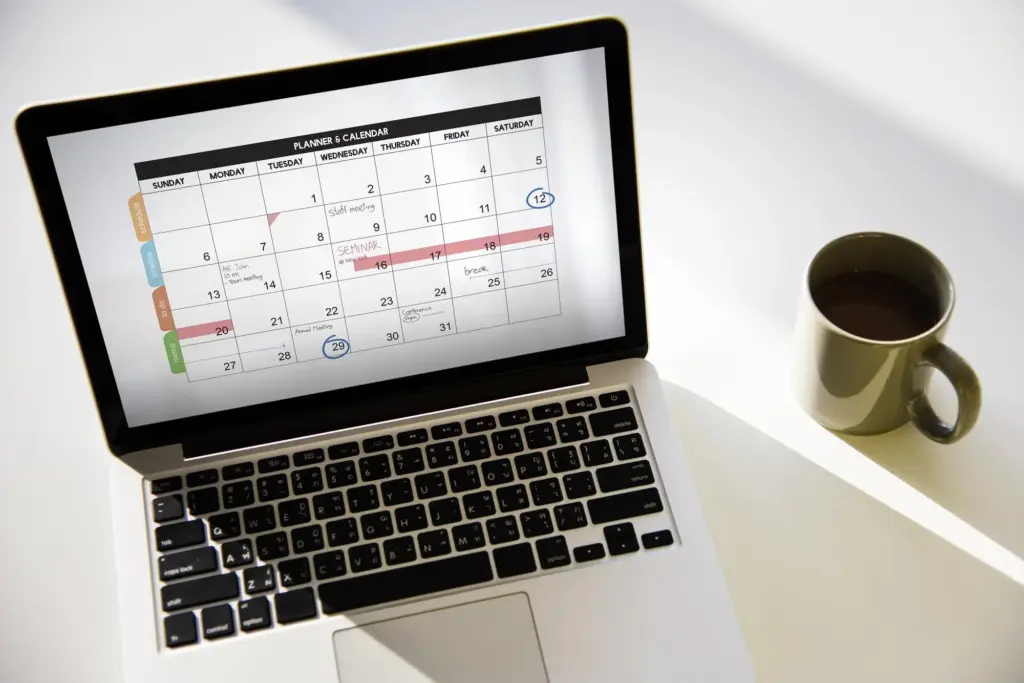
Stop volleying messages about availability. Add a simple booking link that respects your working hours, buffers meetings, and handles time zones so gracefully people actually thank you. After adding one, Nikhil stopped five email volleys per meeting. Five minutes to configure, then every request books itself.

Name Patterns that Reduce Chaos

Adopt YYYY‑MM‑DD, client, and a short verb, then stop guessing. Sorting becomes natural and duplicates reveal themselves immediately. Teach the pattern to your team, codify in a template, and align storage so search, automation, and humans agree about what’s inside.

Auto-Move Downloads by File Type

On Windows, use Power Automate for desktop; on macOS, create a simple Folder Action. Route PDFs to Finance, screenshots to a temp folder, and CSVs into Data. The Downloads folder stays clean, and yesterday’s report appears exactly where analysts expect.

Scan-to-Cloud Shortcuts for Receipts

Use your phone’s scanner or a multifunction printer to send PDFs directly to a cloud folder tagged Expenses. Add an automation that renames files with today’s date. End-of-month reconciliation becomes mercifully quick, accurate, and audit trails stop living in shoeboxes.

Spreadsheets That Summarize Themselves

Let numbers arrange into insight without heavy lifting. Use Recommended PivotTables or Quick Analysis to expose totals, top contributors, and trends instantly. A finance intern built one pivot and stopped weekly status questions. Five minutes now can retire a manual spreadsheet chore with dependable clarity.

Chats That Route and Respond

Turn support pings and approvals into structured, trackable conversations. Build tiny workflows in Slack or Teams that collect details, post to the right channel, and acknowledge requests instantly. Our support desk’s intake form halved interruptions within a week. Five minutes prevents afternoons of fragmented attention and lost context.

Slack Workflow for Intake and Triage

Open Workflow Builder, add a shortcut button, and build a simple form asking for urgency, links, and owners. Route submissions to a channel with an automatic emoji reaction and checklist. The queue becomes fair, searchable, and calmly prioritized without heroics.

Teams Quick Replies and Message Extensions

Save composed phrases as short replies, and install an Approvals tab so decisions happen where chats already live. Message extensions let you create tasks or tickets directly. That micro-automation keeps threads tidy and reduces the follow-up everyone forgets later.

Status and Do Not Disturb Automations

Connect your calendar so statuses change when meetings start, and enable Focus Assist or Do Not Disturb during deep work. Colleagues see availability without pings. You reclaim momentum, and messages queue up politely until your brain is ready.